Quality controls
QUse High Quality, Balanced, or Size Priority to match the output to the moment, from clean delivery to aggressive size reduction.
Fast compression, secure archives, optional encryption, and one-tap EXIF privacy cleaning for photos and files on iPhone and iPad.
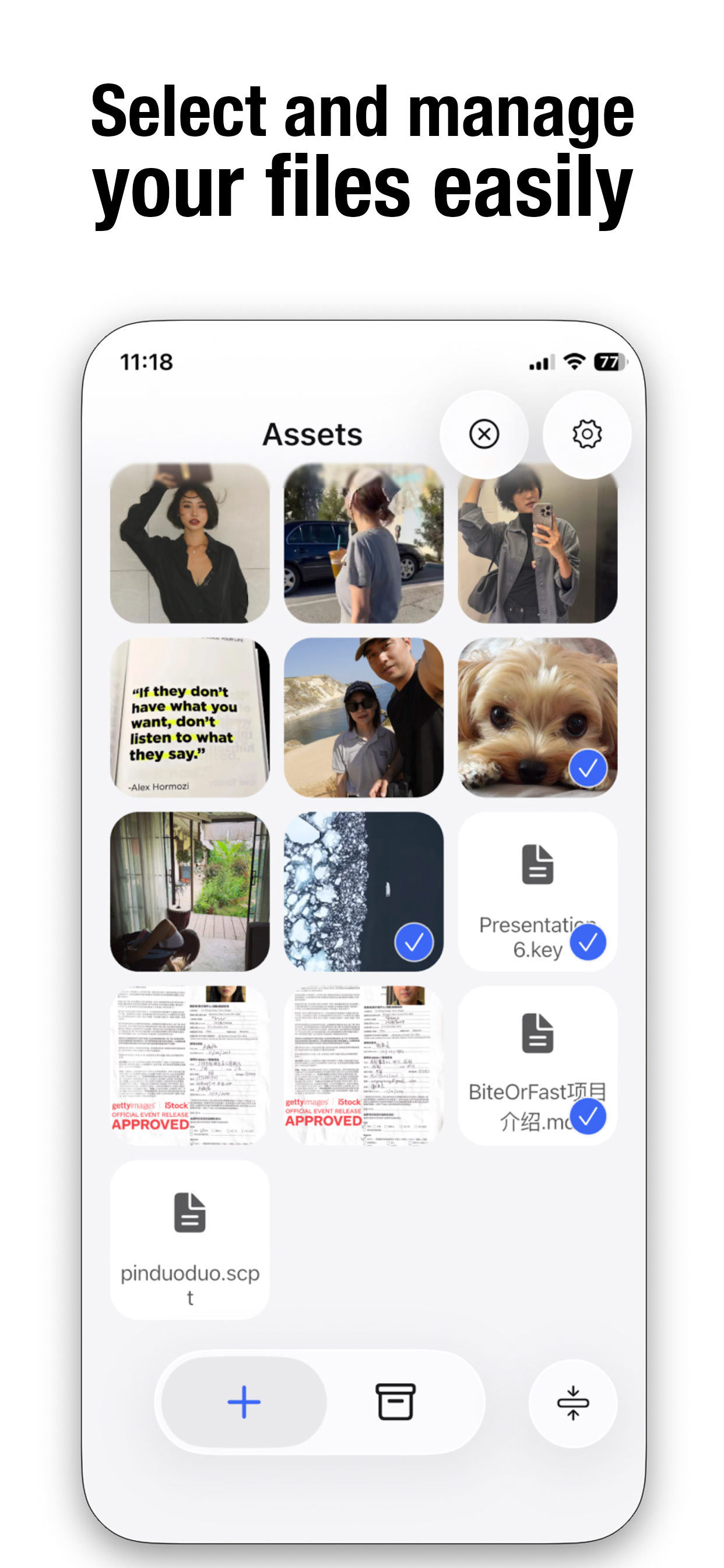
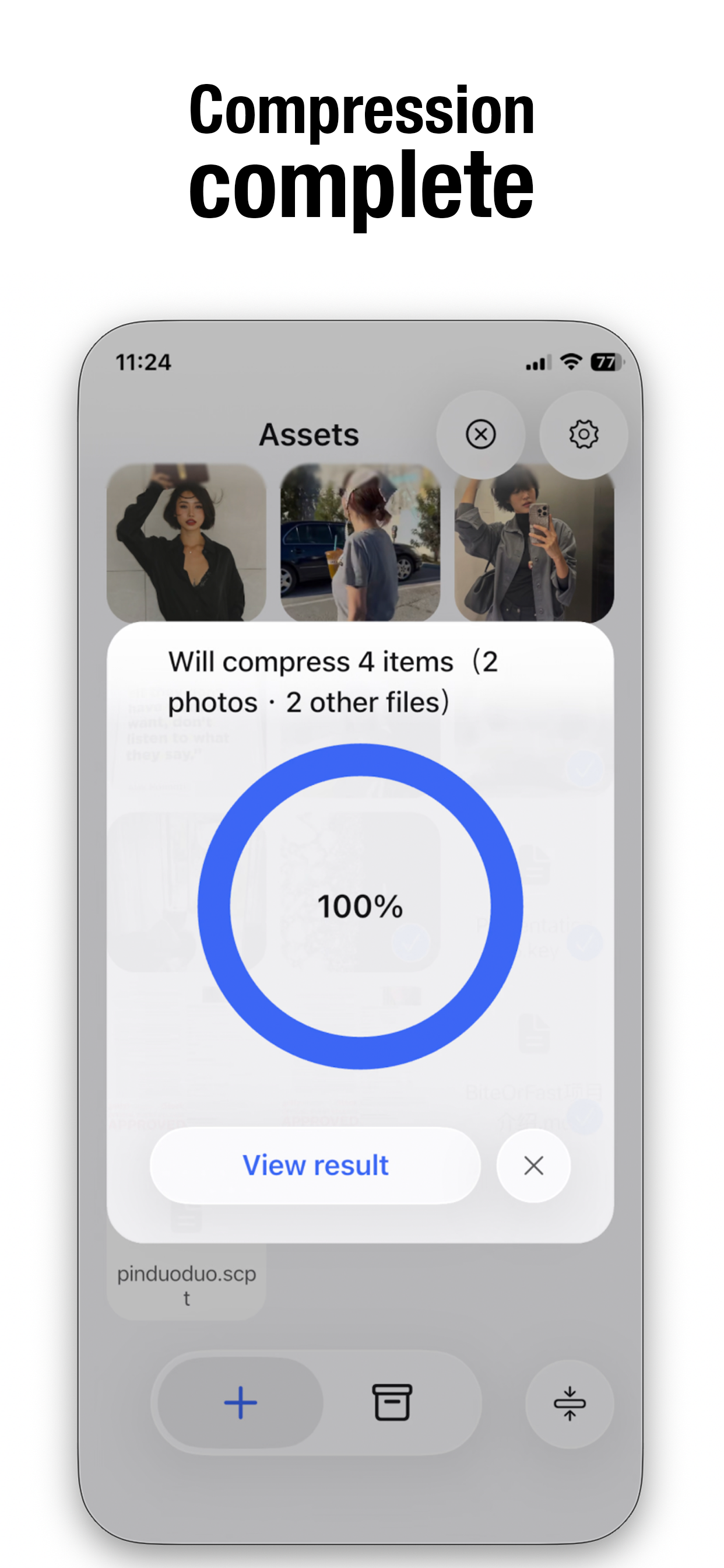
Zip0 uses an advanced compression engine to reduce file size while preserving visual quality. Pick a quality preset, choose a target resolution, and process mixed photos and files in a few steps.
Use High Quality, Balanced, or Size Priority to match the output to the moment, from clean delivery to aggressive size reduction.
Keep Original resolution or quickly export at 4096, 2048, 1024, and other practical sizes for messaging, cloud uploads, and email.
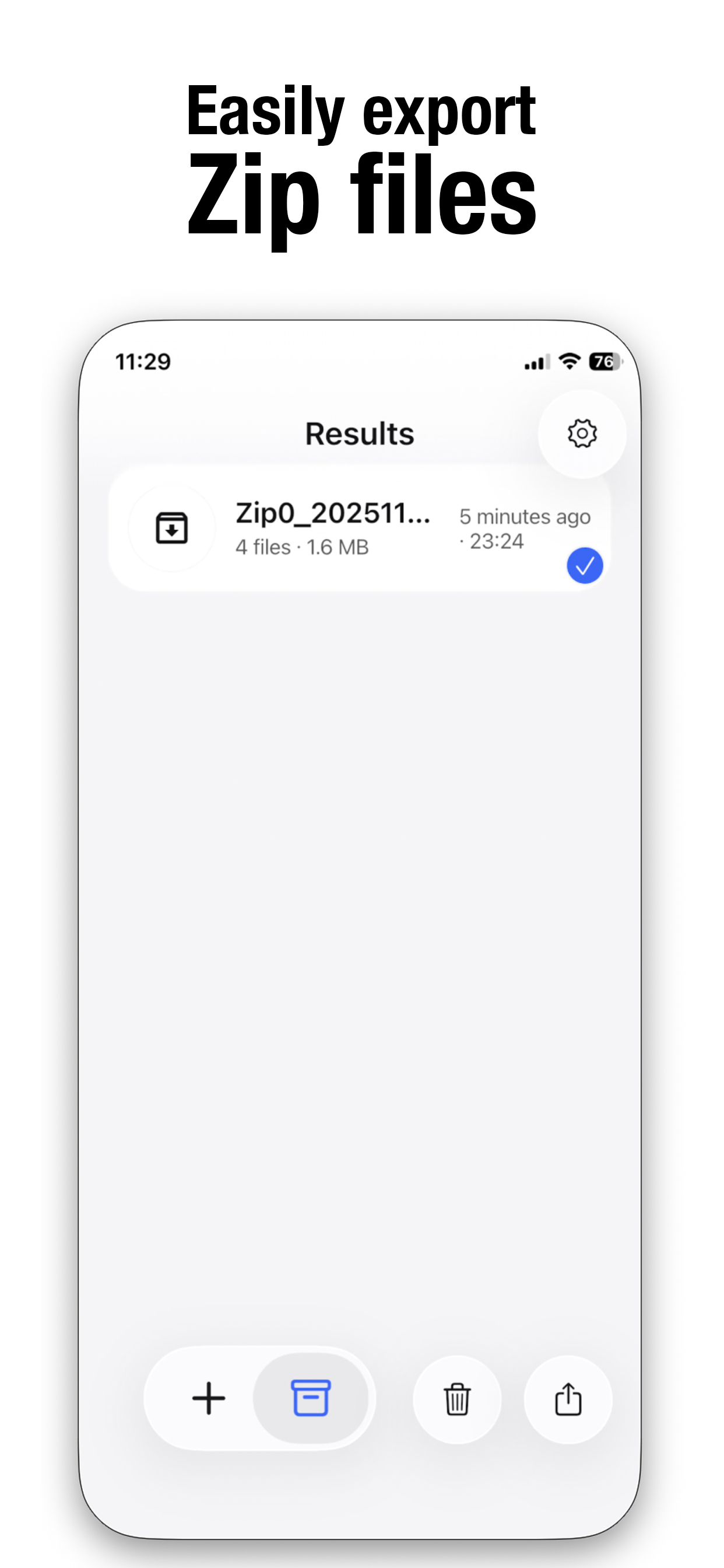
Combine photos and files into ZIP, TAR, TAR.GZ, or TAR.BZ2 archives, with optional encryption when the package needs extra protection.
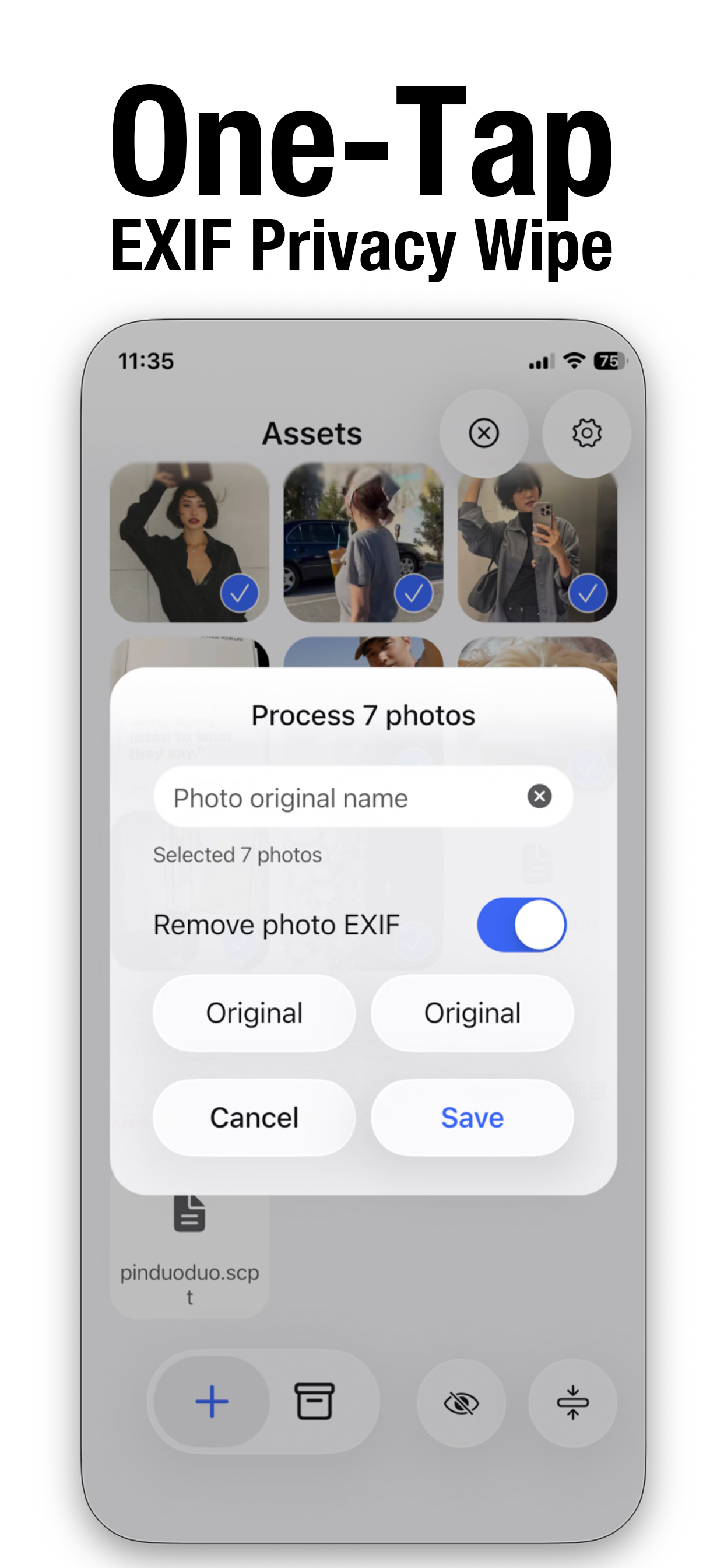
Photos often carry location, timestamp, camera, and device information. Zip0 can remove sensitive EXIF metadata so sharing feels safer on social networks, email, and private messages.
Zip0 follows the latest iOS 26 design language with a transparent, lightweight interface, smooth transitions, and consistent behavior across iPhone and iPad models.
Zip0 keeps file processing fast, private, and predictable, whether you are compressing a photo batch, preparing an encrypted archive, or cleaning metadata before publishing.